
Quoting on Reddit is one of the best ways to reply clearly to other users, reference specific points, and keep conversations organized. Whether you’re answering a question, correcting information, or continuing a discussion, using quotes properly makes your comment easier to understand.
In this step-by-step guide, you’ll learn how to quote on Reddit in 9 easy steps, plus a faster method and mobile tips. This article is beginner-friendly and works for both desktop and mobile users.
Why Quoting Matters on Reddit
Quoting helps you:
- Respond to specific parts of a comment
- Avoid confusion in long threads
- Make discussions clearer and more professional
- Show context in debates or explanations
Reddit uses Markdown formatting, which makes quoting simple once you understand the process.
How to Quote on Reddit (Step-by-Step Guide)
Step 1: Find an Interesting Post
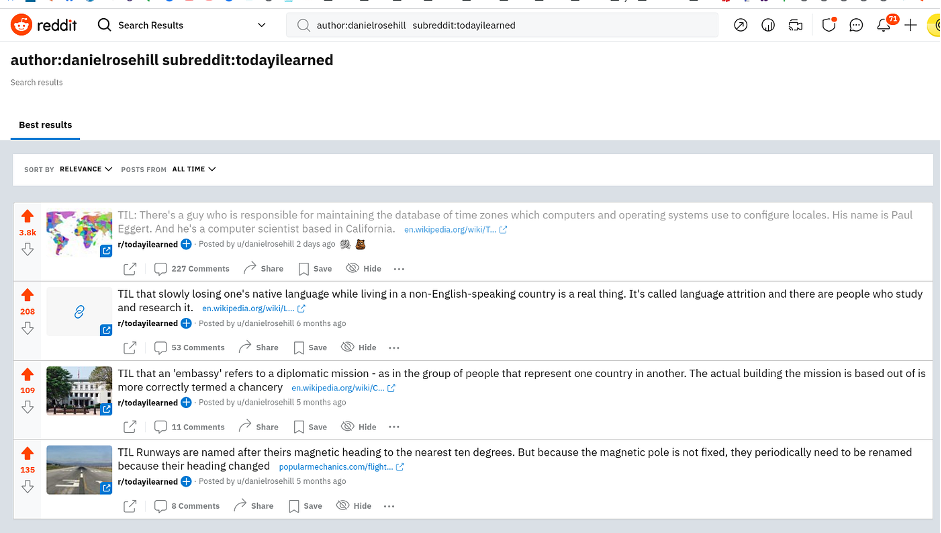
First, log in to your Reddit account.
You’ll see the login button in the top-right corner if you’re not signed in.
Once logged in:
- Go to the Reddit homepage
- Use the search bar to find a topic that interests you
Note: You must be logged in to reply or quote comments.
Step 2: Open the Reddit Post
Click on the post to open it fully.
Scroll down to view the comment section.
Step 3: Find a Comment Worth Quoting
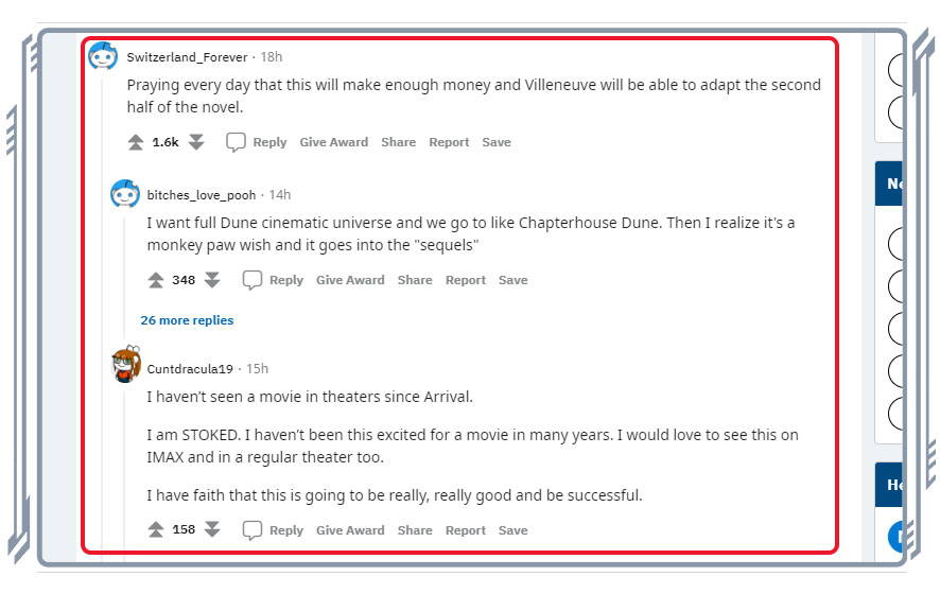
Look for a comment that:
- Contains useful information
- Needs clarification or a reply
- You want to reference directly
Step 4: Highlight and Copy the Text
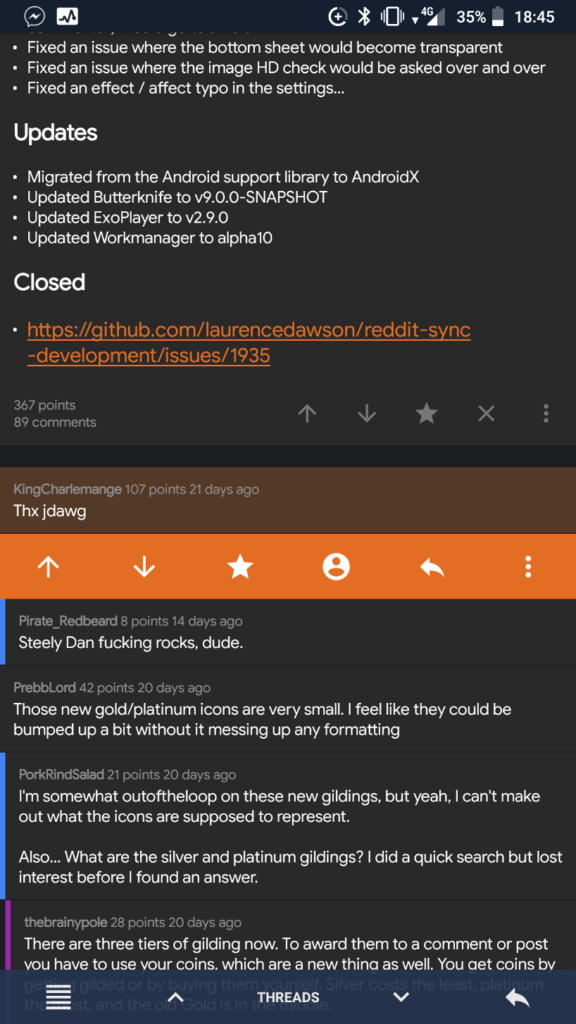
Highlight the text you want to quote.
- Windows: Press Ctrl + C
- Mac: Press Command + C
Step 5: Click on “Reply”
Click the Reply button under the comment you want to respond to.
Step 6: Paste the Copied Text
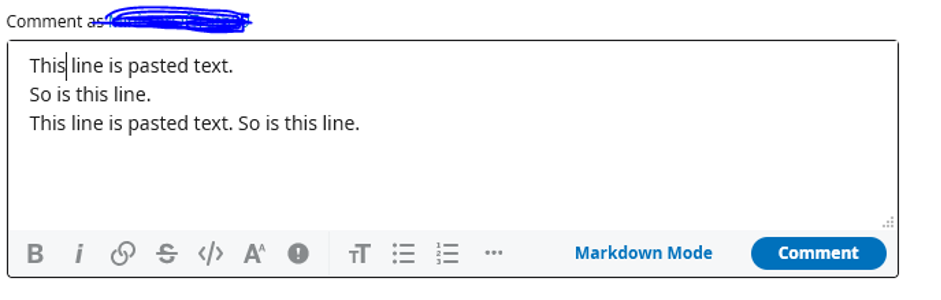
Paste the copied text into the reply box:
- Windows: Ctrl + V
- Mac: Command + V
Step 7: Use the Quote Option
Step 7a Click the Three Dots
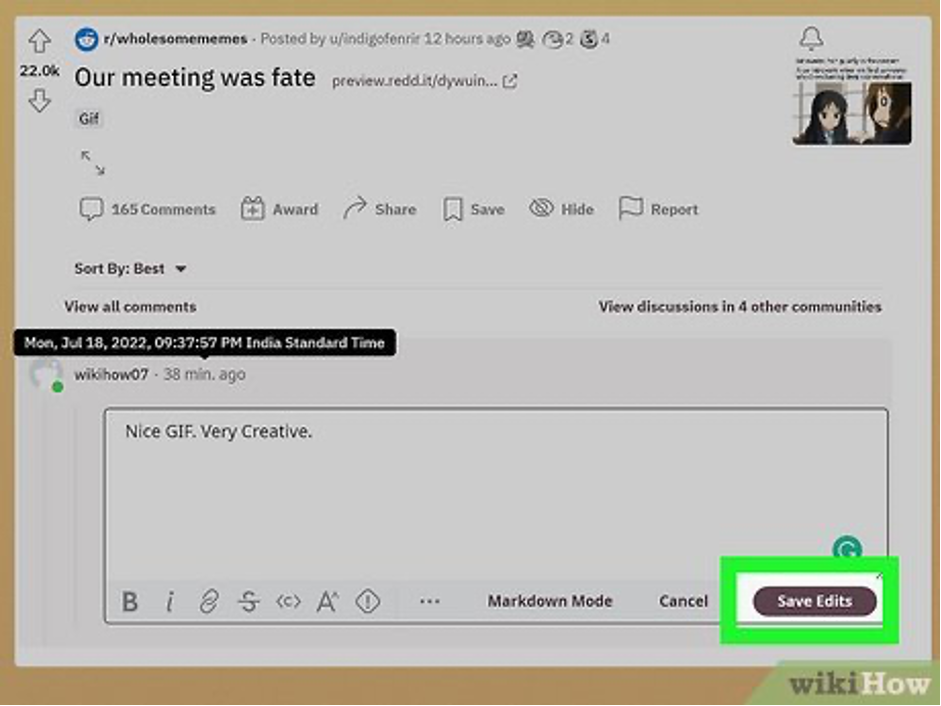
If your screen is wide enough, click the three-dot menu in the comment editor.
If you don’t see it, try enlarging your browser window.
Step 7b: Click the Quotation Icon
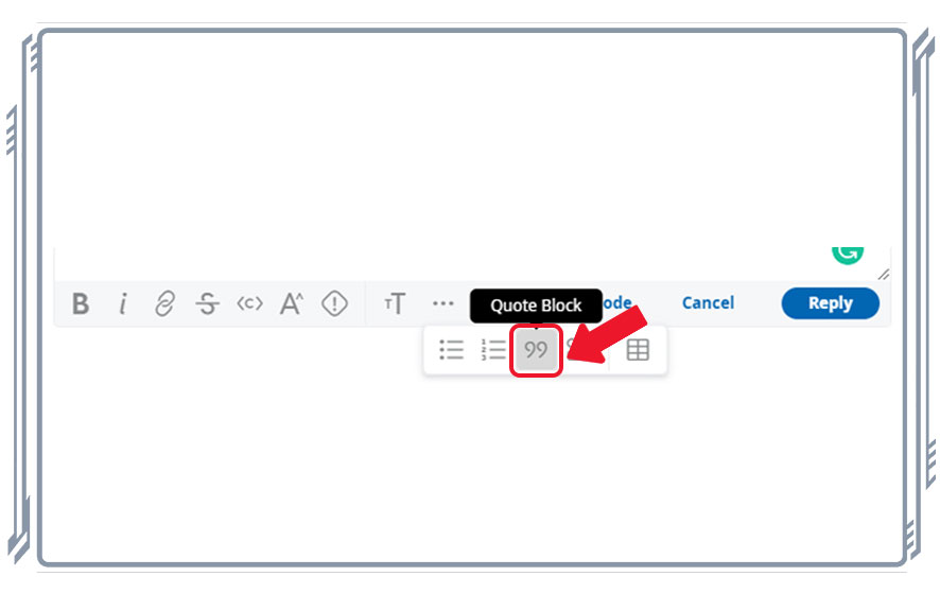
Click the quotation mark icon.
Reddit will automatically format the text as a quote.
Step 8: Confirm the Quote Format
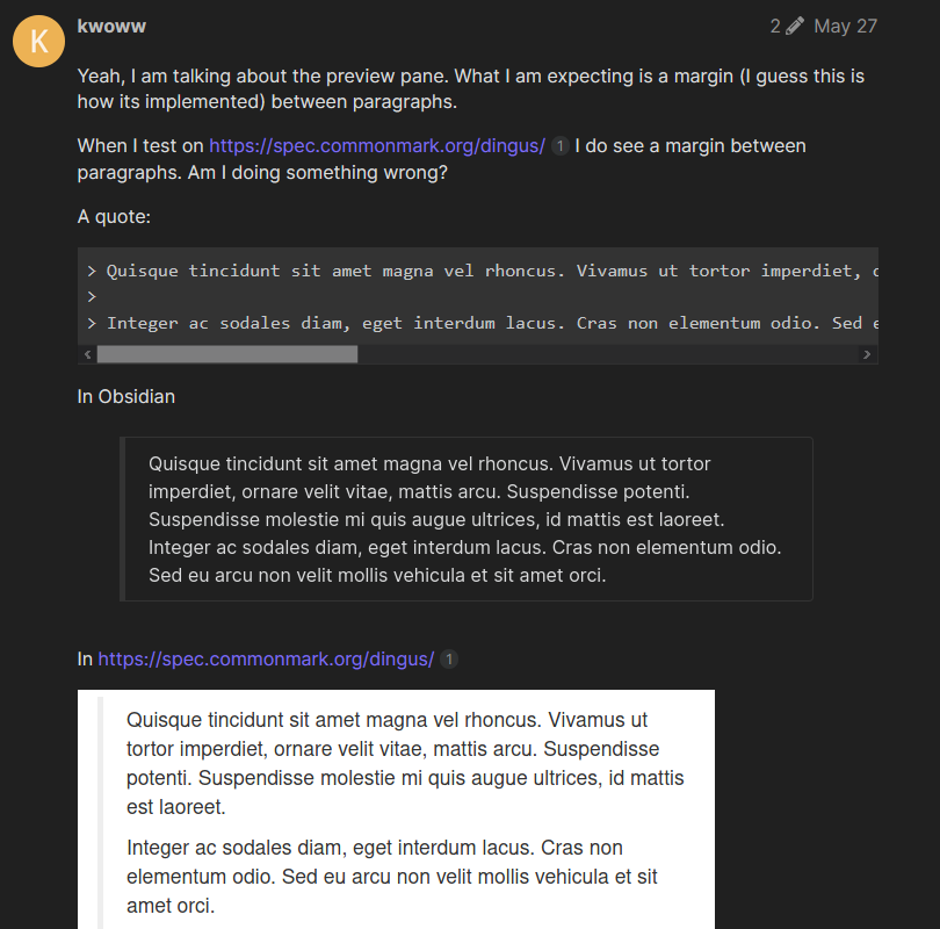
You’ll now see a gray vertical line on the left side of the text.
This confirms the quote is formatted correctly.
Step 9: Write Your Reply
Step 9a
Press ENTER once, then BACKSPACE once to move outside the quote.
Step 9b
Write your response below the quoted text and click Reply.
🎉 Done! Your quoted reply is now live.
A Faster Way to Quote on Reddit (Optional Method)
Some users can quote faster using this shortcut:
Step 1
Highlight the text you want to quote.
Step 2
Click Reply.
If supported, Reddit will automatically insert the quote.
⚠️ This method doesn’t work for everyone or on all browsers, so results may vary.
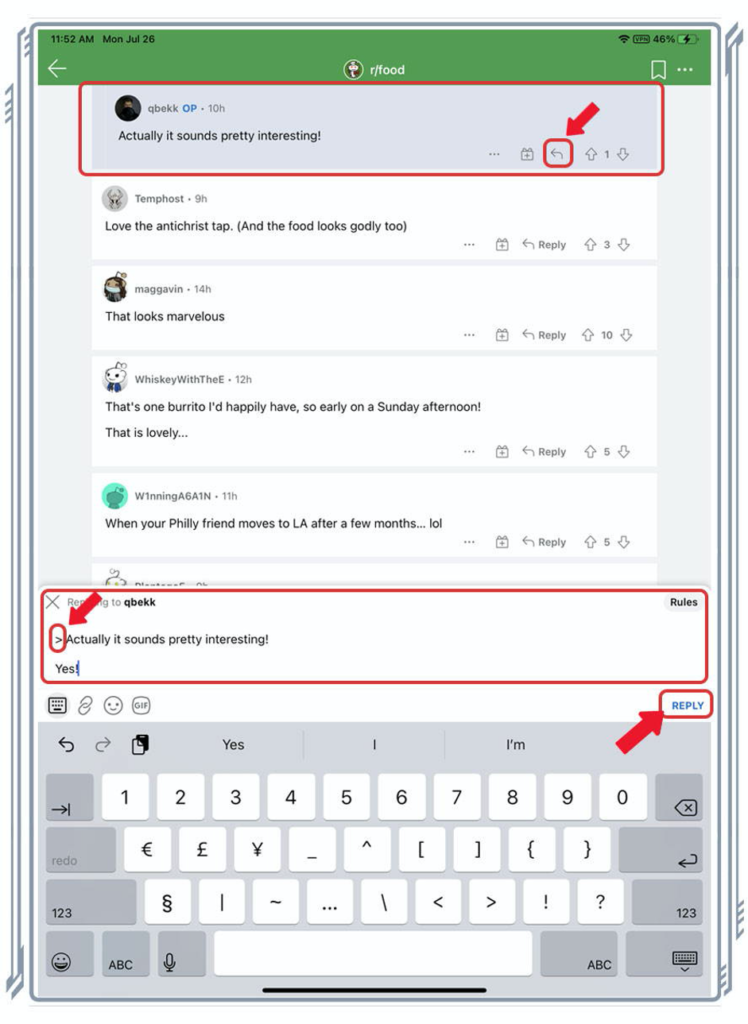
How to Quote on Reddit Mobile App
- Tap and hold the text you want to quote
- Copy it
- In the reply box, add > before the text
- Write your response below
Example:
> This is a quoted comment
This is my reply
FAQs – How to Quote on Reddit
How do you quote someone on Reddit?
You can quote someone by copying their text and adding a > symbol before it, or by using the quote icon in the comment editor.
What does the gray line mean on Reddit quotes?
The gray vertical line shows that the text is formatted as a blockquote.
Can I quote multiple lines on Reddit?
Yes. Add > before each line, or highlight all lines before using the quote option.
Why can’t I see the quote button on Reddit?
The quote icon may not appear if your screen is too small or if you’re using an unsupported browser.
Does quoting work on Reddit mobile?
Yes, but it usually requires manual formatting using the > symbol.
Is quoting allowed in all subreddits?
Yes, but always follow subreddit rules regarding formatting and replies.
Conclusion
Quoting on Reddit is simple, powerful, and extremely useful once you know how it works. By following these 9 easy steps, you can reply clearly, keep discussions organized, and communicate more effectively with other users.
Whether you’re on desktop or mobile, mastering Reddit quotes will instantly improve the quality of your comments.
If you found this guide helpful, share it with friends or fellow Redditors, it might save them a lot of time too.